Picture this: it’s a crisp Saturday morning, you’re standing in a dealership showroom, and three jaw-dropping machines are lined up in front of you — each one promising to be the most thrilling drive of your life. That’s exactly the kind of impossible-but-delicious dilemma that 2026 has handed us. This year’s crop of high-performance sports cars isn’t just an incremental upgrade — it’s a full-on reinvention of what fast, beautiful, and technologically advanced really means on four wheels.
Whether you’re a seasoned gearhead who tracks lap times on weekends or a newcomer who just wants to understand why people spend six figures on a car, let’s think through this together. Because choosing the right 2026 sports car isn’t just about raw horsepower — it’s about matching the machine to your life.
🏎️ The Big Three of 2026: Who’s Actually Leading the Pack?
Let’s dig into the numbers and engineering philosophy behind the three models dominating conversations in 2026.
Ferrari 296 GTB Assetto Fiorano (2026 Refresh)
Ferrari’s 296 platform has received a significant 2026 update, pushing its twin-turbocharged V6 hybrid system to a staggering 830 hp combined output. The new e-diff system and updated Multimatic adaptive dampers allow it to hit 0–100 km/h in just 2.7 seconds. What’s fascinating here is Ferrari’s philosophy: they didn’t just add power — they redesigned the power delivery curve, making the mid-range throttle response feel almost telepathic. Starting price: approximately $380,000 USD.
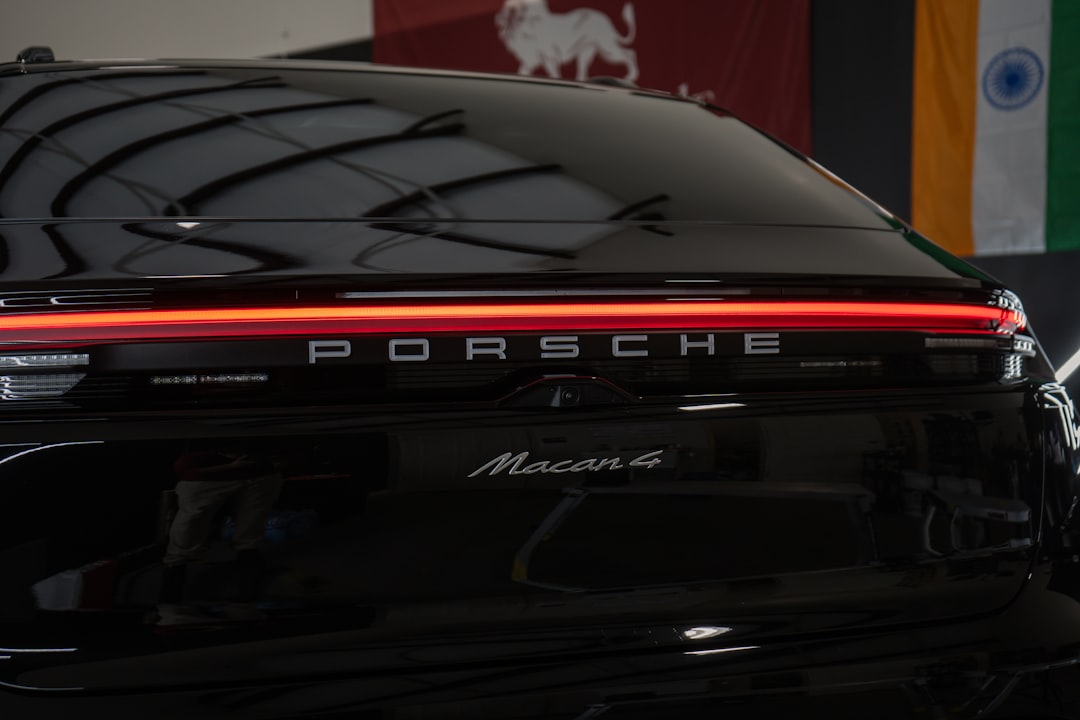
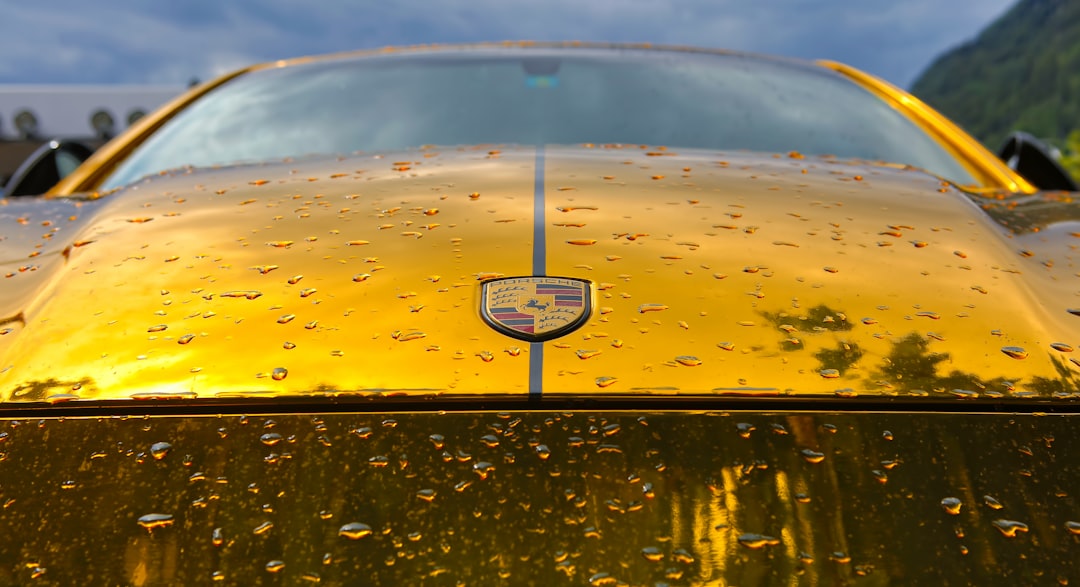
Porsche 911 GT3 RS 4.0 (2026 Edition)
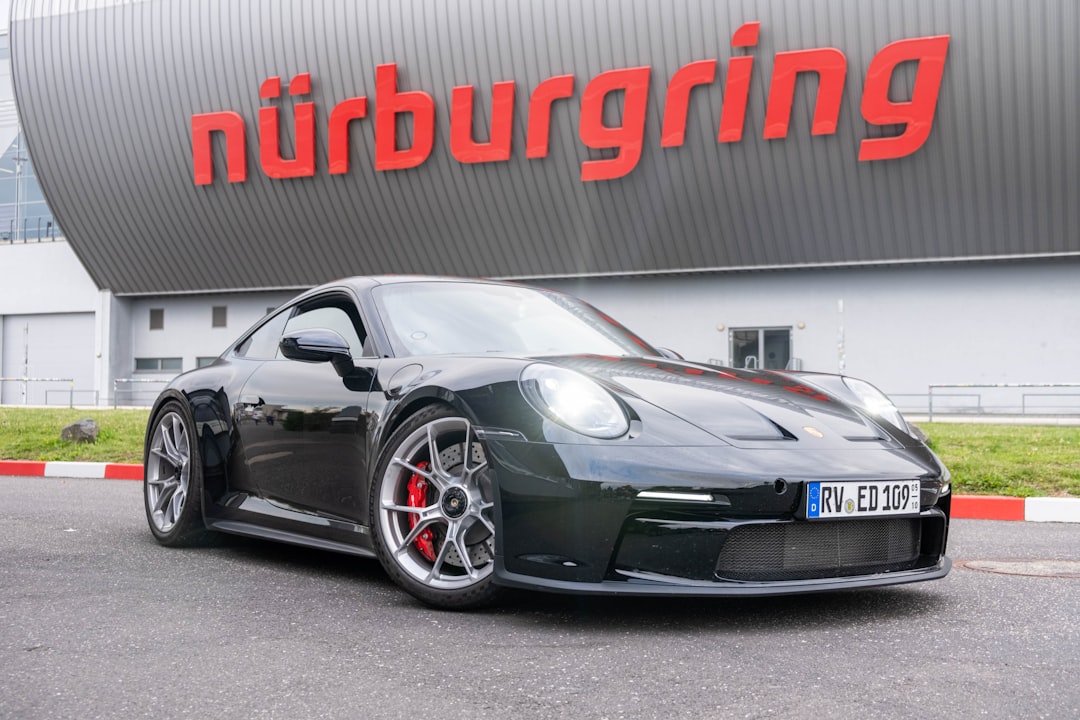
Porsche took a different approach entirely. Their naturally aspirated 4.0-liter flat-six now produces 560 hp — modest by hybrid standards, but the GT3 RS was never about raw numbers. With a curb weight of just 1,430 kg and an active aerodynamics package generating 409 kg of downforce at 200 km/h, this is a road-legal racing machine. Nürburgring lap time? A blistering 6 minutes 49 seconds in 2026 testing. Price: approximately $245,000 USD.
McLaren W1 (2026 Production Year)
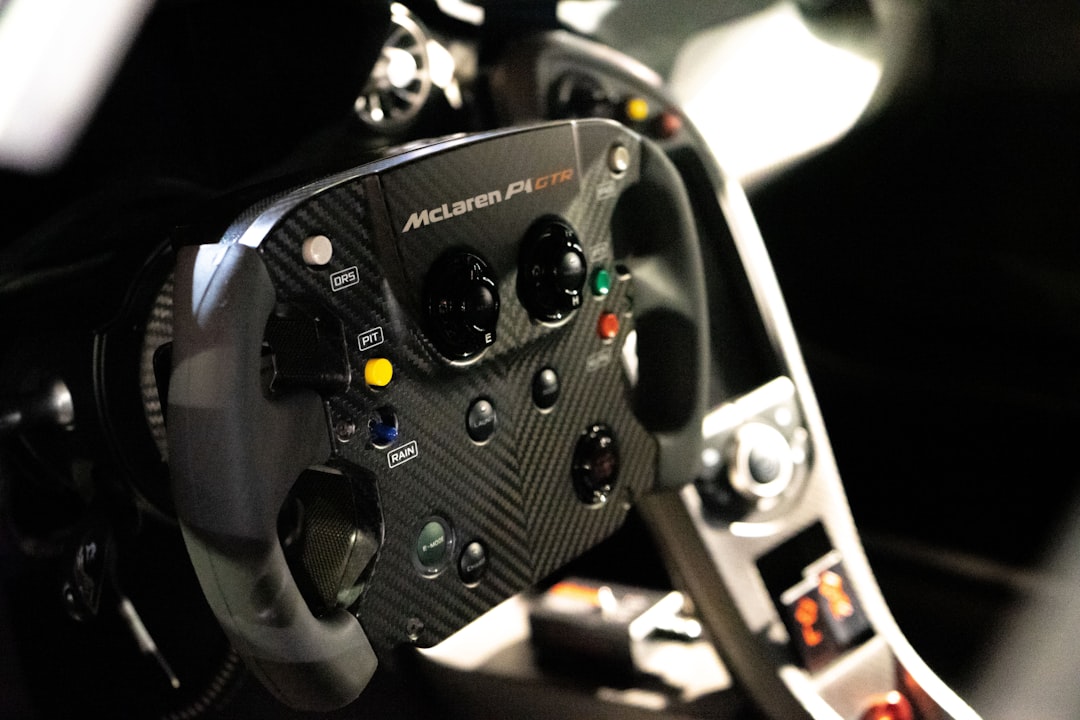
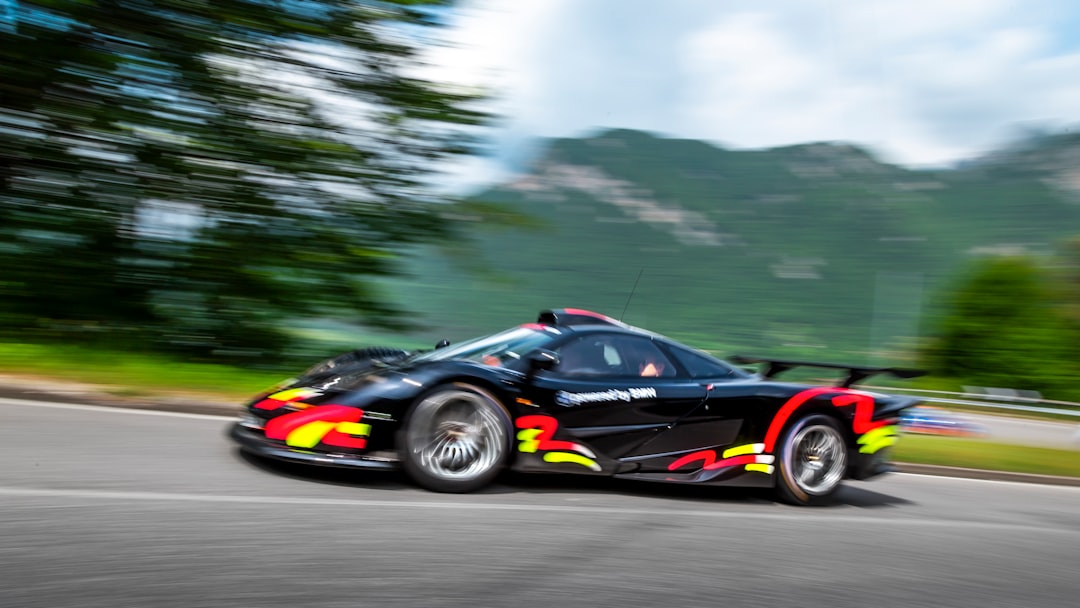
McLaren’s W1 — the spiritual successor to the legendary P1 — entered full production in late 2025 and is now hitting roads globally in 2026. With a hybrid V8 system producing 1,275 hp, it is arguably the most technologically dense sports car on sale today. The electrohydraulic suspension adapts 500 times per second. Zero to 100 km/h: 2.7 seconds. Top speed: 350 km/h. But here’s the catch — at $2.5 million USD and only 399 units made, it’s more sculpture than everyday sports car.
📊 Head-to-Head Data Comparison
- Ferrari 296 GTB (2026): 830 hp | 0-100 in 2.7s | ~$380,000 | Hybrid V6 | Road + Track balance
- Porsche 911 GT3 RS 4.0 (2026): 560 hp | 0-100 in 3.2s | ~$245,000 | Naturally Aspirated | Track-focused purist
- McLaren W1 (2026): 1,275 hp | 0-100 in 2.7s | ~$2,500,000 | Hybrid V8 | Hypercar tier
- Aston Martin Vantage GT3 Road (2026): 656 hp | 0-100 in 3.3s | ~$210,000 | Twin-turbo V8 | Grand touring DNA
- Lamborghini Huracán STJ (2026): 910 hp | 0-100 in 2.6s | ~$450,000 | Hybrid V10 | Drama + Performance
🌍 Global Perspectives: How Different Markets Are Responding
It’s worth zooming out to see how different regions are actually receiving these machines in 2026.
In South Korea, the high-performance sports car segment has seen a remarkable 34% year-over-year surge in interest, according to the Korea Automobile Importers & Distributors Association (KAIDA) Q1 2026 report. Seoul’s Gangnam and Seongsu districts have become unlikely hotbeds for supercar culture, with Porsche Korea reporting a record-breaking pre-order waitlist for the GT3 RS. Korean buyers, interestingly, tend to prioritize resale value and brand prestige alongside performance — which explains why Porsche consistently outperforms Ferrari in unit sales there.
In Europe, particularly Germany and the UK, the conversation has shifted toward track-day usability. German buyers are deeply analytical — they want Nürburgring data, they want tire wear statistics, and they want their sports car to feel like a precision instrument. This is why the GT3 RS and Ferrari 296 are neck-and-neck in pre-orders across Germany in 2026.
In the United States, the 2026 market tells a slightly different story. The Chevrolet Corvette E-Ray ZR1 (2026 model year) — a domestic hero — has shaken up the conversation entirely. At roughly $180,000 USD, it offers a hybrid-assisted 5.5-liter flat-plane V8 with 850 hp and 0–60 mph in 2.5 seconds. For American buyers who want world-class performance without the European premium, the ZR1 is genuinely reshaping the value proposition of the entire segment.
🔋 The Hybrid Question: Is ICE Alone Dead in Sports Cars?
One of the most fascinating debates in 2026 is whether pure internal combustion sports cars are becoming relics. Here’s my honest take after thinking it through:
Hybrid systems in sports cars serve two very different masters — performance and regulation compliance. The Ferrari 296 and McLaren W1 use electrification purely to add more violent acceleration and torque-fill between turbo spools. The result is a driving experience that’s arguably more involving, not less. However, Porsche’s decision to keep the GT3 RS naturally aspirated is a deliberate philosophical statement: driving feel, sound, and analog connection still matter enormously to a core audience.
Full EVs in the sports car space — think Rimac Nevera or Aspark Owl — offer breathtaking straight-line performance, but the 2026 market data suggests that pure EV sports cars still struggle with emotional resonance and track endurance (battery thermal management remains a genuine limitation on circuit use).
💡 Realistic Alternatives: Not Everyone Needs a $380K Ferrari
Let’s be real — most readers aren’t writing a check for a McLaren W1 today. But that doesn’t mean the excitement of 2026 sports car engineering is out of reach. Here are some genuinely compelling alternatives worth considering:
- Toyota GR Supra 3.0 (2026 update): At around $55,000, it now gets revised suspension tuning and 382 hp. Exceptional track-day value with strong community support.
- Honda Civic Type R (2026 FL5 facelift): Still one of the world’s best front-wheel-drive performance cars at ~$45,000. The 2026 update sharpened the steering feedback noticeably.
- Mazda MX-5 Miata RF (2026): If driving joy is your goal — not lap times — nothing at $35,000 matches the MX-5’s pure, lightweight handling philosophy.
- Porsche Cayman GT4 RS (used 2024–2025 market): With the new GT3 RS pushing buyers toward the latest model, used GT4 RS prices have dipped meaningfully in early 2026 — a smart entry point for the Porsche experience.
- Hyundai Ioniq 6 N (2026): If you’re EV-curious, this performance sedan delivers 641 hp with track-mode stability and fast charging at under $70,000.
The key insight here is that performance per dollar has genuinely never been better in 2026 at the sub-$100K level. You don’t need to dream from afar — you can participate.
🏁 Final Verdict: Which 2026 Sports Car Actually Wins?
Here’s the honest answer after thinking through all the data: there is no universal winner, and that’s actually exciting. The Porsche 911 GT3 RS wins if analog driving purity and resale value are your priorities. The Ferrari 296 GTB wins if you want the most balanced road-and-track hybrid experience money can buy. The McLaren W1 wins if you’re purchasing a piece of automotive history and budget is irrelevant. And the Corvette ZR1 wins if you want world-beating performance while keeping your mortgage intact.
The 2026 sports car landscape is proof that the industry, despite electrification pressure and regulatory headwinds, is still producing machines of staggering ambition and passion. That’s worth celebrating regardless of which garage they end up in.
Editor’s Comment : What excites me most about 2026’s sports car class isn’t any single model — it’s the philosophical diversity on offer. From Porsche’s defiant naturally aspirated statement to McLaren’s all-in hybrid hypercar, manufacturers are actively arguing about what a great sports car should feel like. That argument is good for all of us. Whether your budget is $35,000 or $3.5 million, 2026 is genuinely one of the most interesting years in sports car history to be a fan. Follow your instincts, drive before you buy, and remember — the best sports car is always the one that makes you smile every single time you turn the key.
태그: [‘2026 sports cars’, ‘high performance cars 2026’, ‘Ferrari vs Porsche 2026’, ‘McLaren W1’, ‘best sports cars 2026’, ‘supercar comparison’, ‘hybrid sports car 2026’]